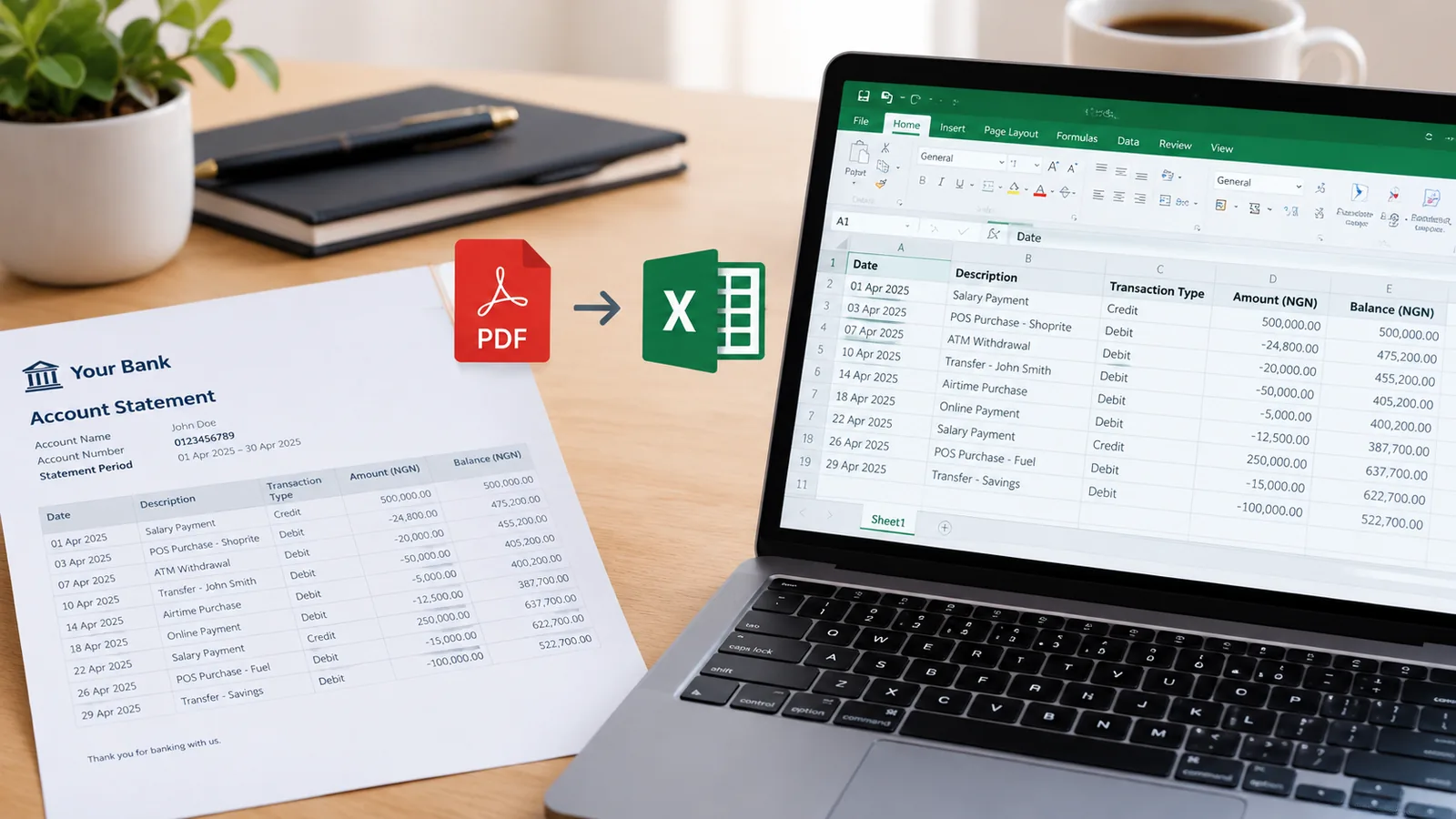
Bring in your bank statements (PDF, scan or photo), photograph receipts, and let your invoices flow in. Books sorts every payment, checks each account against the bank, and tells you what the business made each month. No bank login, no accountant needed to keep it up.
Drop in the statement your bank sends. Every row comes in once, however often you bring it in, and transfers between your own accounts are spotted.
Checked against the bank
Each account's balance is compared with what the bank says, so you know nothing is missing before you trust a total.
Receipts that read themselves
Photograph a receipt: its date, total and shop are read on our own server, and it is kept with the payment it belongs to.
Profit, month by month
Money earned, costs and profit for any period, and a year-end summary with VAT and withholding tax for your accountant.
Questions people ask
Do I need to connect my bank?+
No. Books works from the statement PDFs your bank already gives you, so there is nothing to log in to and nothing to trust us with but a file.
How does sorting work?+
Each payment gets a category, like Rent or Diesel and fuel. When you sort one, choose Always and every payment with the same words is sorted the same way from then on. Bank charges and airtime are sorted from the start.
Does it work with my invoices?+
Yes. Money coming in that matches an open invoice from Invoices is offered as a match, and matching it marks the invoice paid.
Is it tax advice?+
No. Books keeps your records and adds them up, including VAT and the withholding tax customers deducted. What you owe is for your accountant or the tax office to say.
Is it free?+
Yes: one business, three accounts, statements, receipts, rules and monthly reports. Paid plans add more businesses and accounts, more receipt storage, and the year-end summary.
Copying a bank statement out of a PDF by hand is slow and easy to get wrong. A faster way to get it into Excel, how to check every figure came across correctly, and what to do with it next.