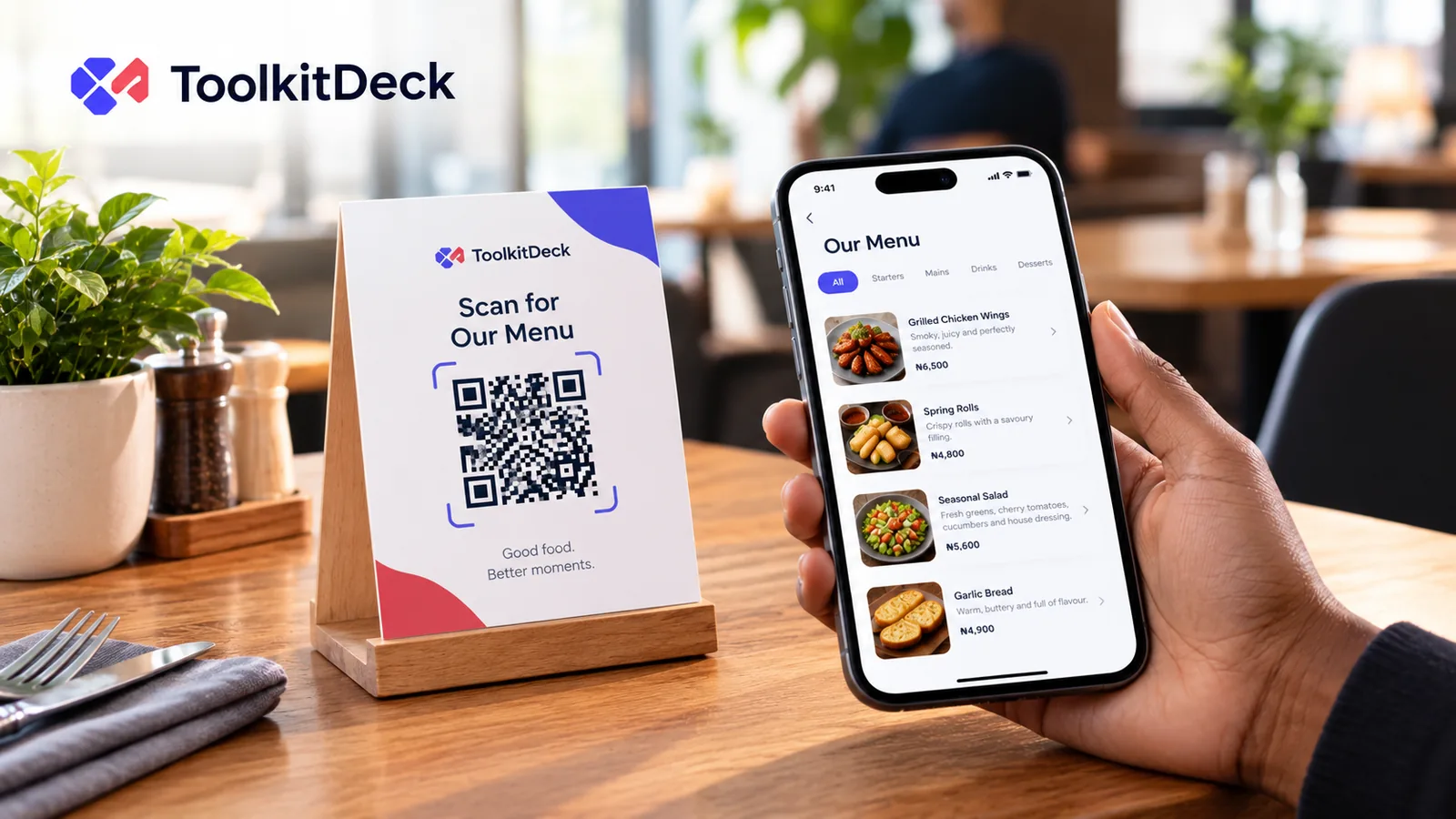
Guests scan the code on the table and see today's dishes and prices on their own phone. Change a price or mark a dish sold out, and it changes everywhere at once. No reprinting.
Print it once. It keeps working on the free plan, with a card for the door and one for every table.
Change it in seconds
New prices, a dish of the day, sold out tonight: tap and it is live. Paste your old menu as text to start.
Photos that load fast
Made small before they are saved, and loaded as guests scroll, so the menu opens quickly even on a slow connection.
Orders on WhatsApp
If you like, guests pick dishes and send the order, with their table, to your WhatsApp. You take payment as you do now.
Questions people ask
Do guests need an app?+
No. The phone camera opens the menu in the browser, on any phone.
Can I have a food menu and a drinks menu?+
Use sections in one menu, or keep separate menus for drinks, room service or another branch on a paid plan.
Do you take payment for orders?+
No. Orders come to your WhatsApp as a message, and you take payment the way you already do. We never touch your money.
Is it free?+
Yes: one menu with every dish, 20 photos, table QR codes and WhatsApp orders. Paid plans add more menus, photos on every dish and remove the ToolkitDeck credit.
A practical guide to digital menus for restaurants, cafés and bars, from where to place the code and how big to print it to writing a menu that reads well on a phone and keeping prices right.
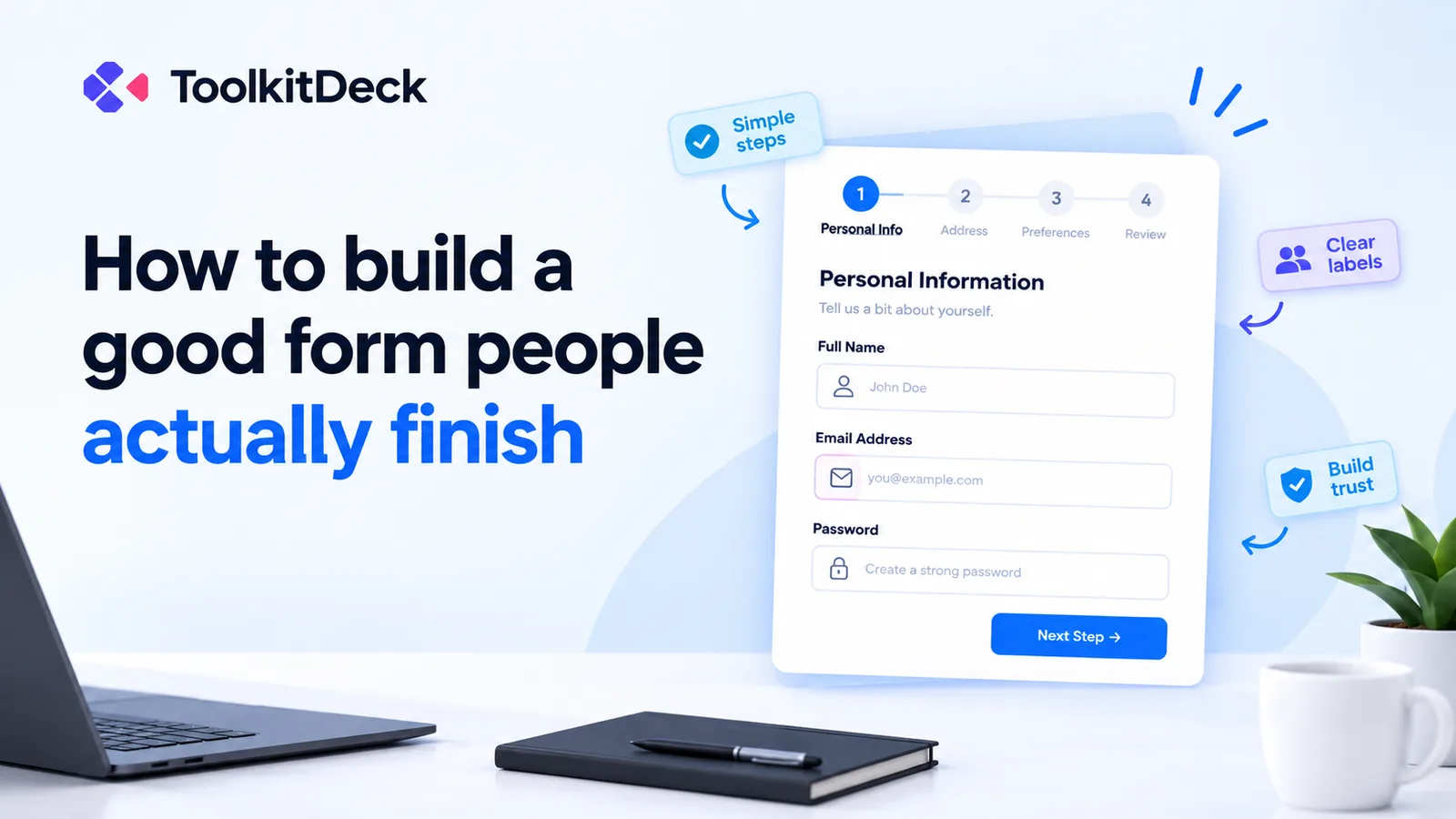
Registration forms, surveys, applications and order forms lose people at every unnecessary question. How to design a form that gets completed, especially on a phone, with examples you can copy.