Invoices, e-signatures, PDFs, spreadsheets, approvals, QR codes and more, in one private workspace. Upload a file once and use it in any tool. One sign-in, one plan, no more juggling subscriptions.
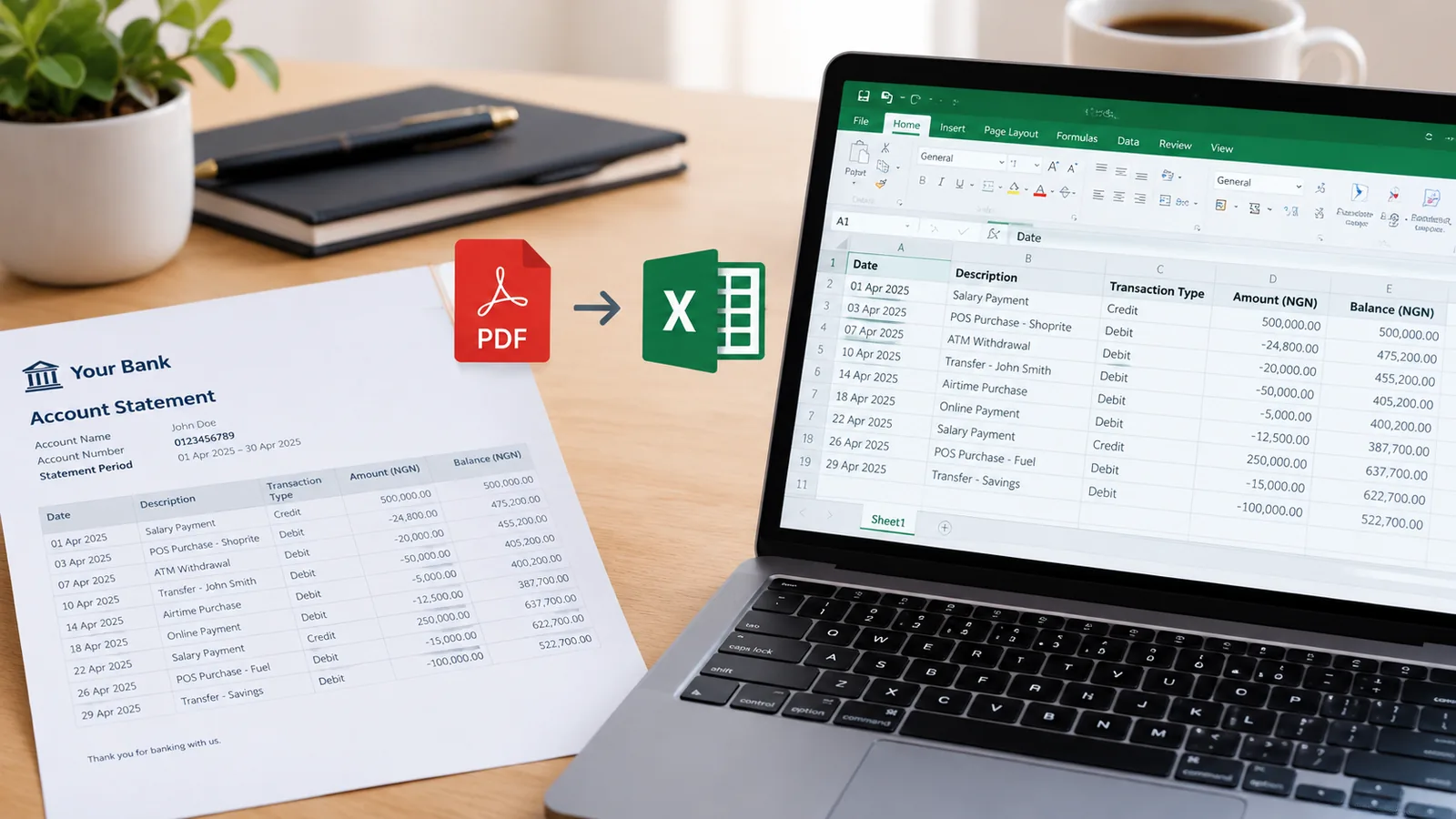
Copying a bank statement out of a PDF by hand is slow and easy to get wrong. A faster way to get it into Excel, how to check every figure came across correctly, and what to do with it next.
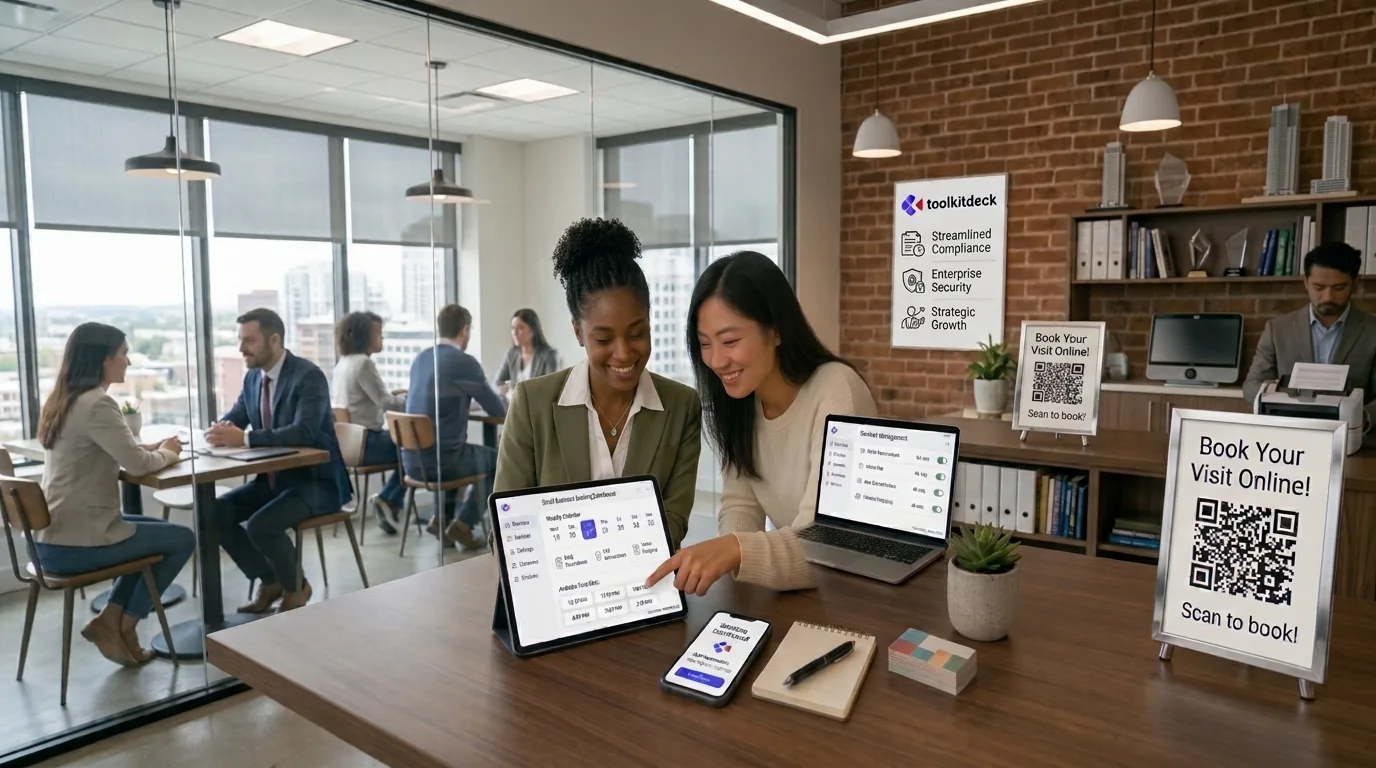
How salons, clinics, tutors, consultants and other appointment businesses can let customers book themselves, and the settings that cut no-shows without putting people off.
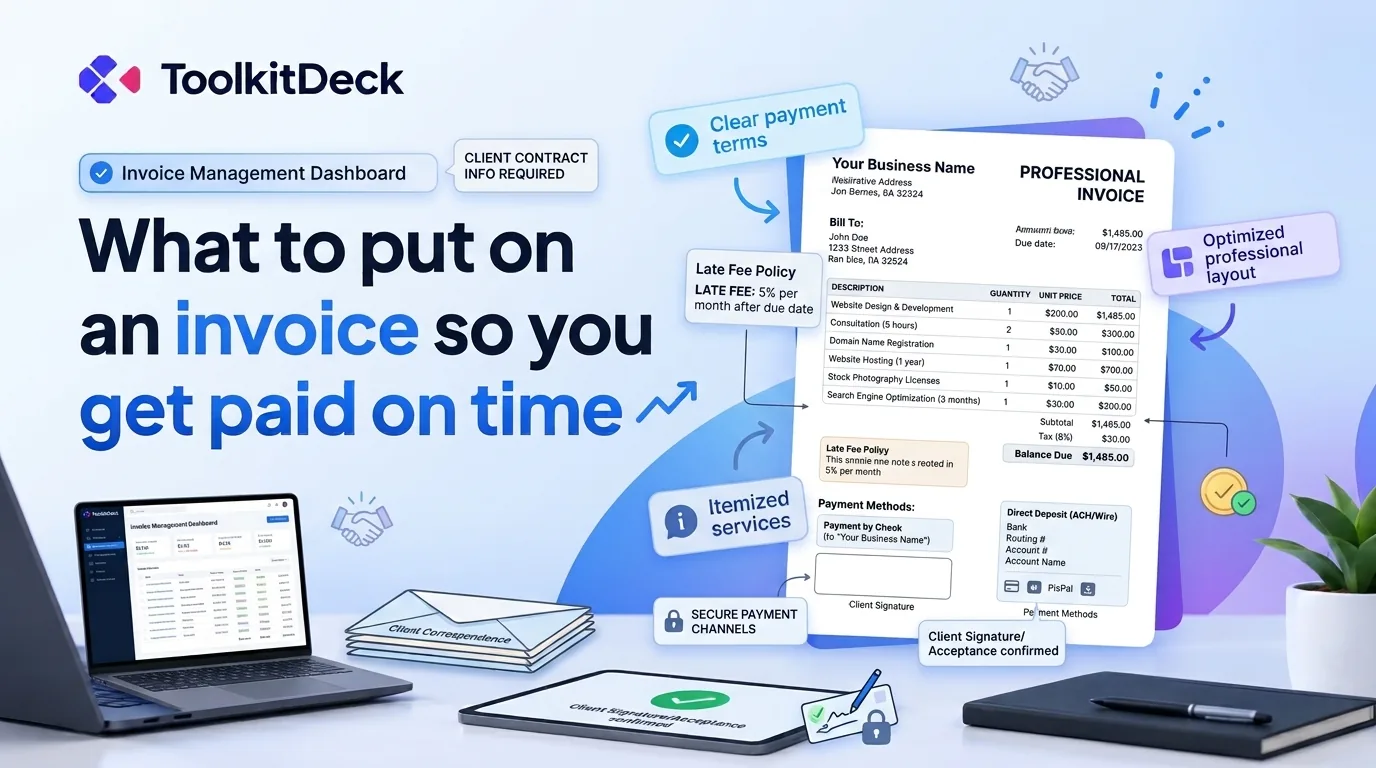
The details every invoice needs, the payment terms that get money in sooner, the small mistakes that delay it, and a calm routine for chasing late payers.
One account for the tools a business runs on: invoices, e-signatures, PDFs, spreadsheets, bookings, payroll, QR codes and more. They share one workspace, so a file you upload once is ready in every tool, under one sign-in and one plan.
Is it free?
Yes, to start. The free plan includes every tool, with a daily cap on the heavier jobs. Pro adds saved files, higher limits and the advanced features, and Business adds a team.
Can I try a tool without signing up?
Yes. Many tools, including the PDF editor, PDF to Excel, the converter and invoices, open straight away without an account. Creating one keeps everything you made.
Who can see my files?
Only you, and the teammates you invite to your workspace. Some tools delete your file as soon as they have read it: PDF to Excel keeps only the table it made.
Do you handle payments for me?
No. When a client pays an invoice or books with you, the money goes straight to you. We never hold or collect money on anyone's behalf.
Does it work in my country?
Yes. ToolkitDeck works wherever you are, in any browser on a phone or a computer. Tools that depend on local rules, like payroll and tax on invoices, follow the country your workspace is set to.
Start with one tool. The rest are already there.
Free to start, with every tool included. No credit card.