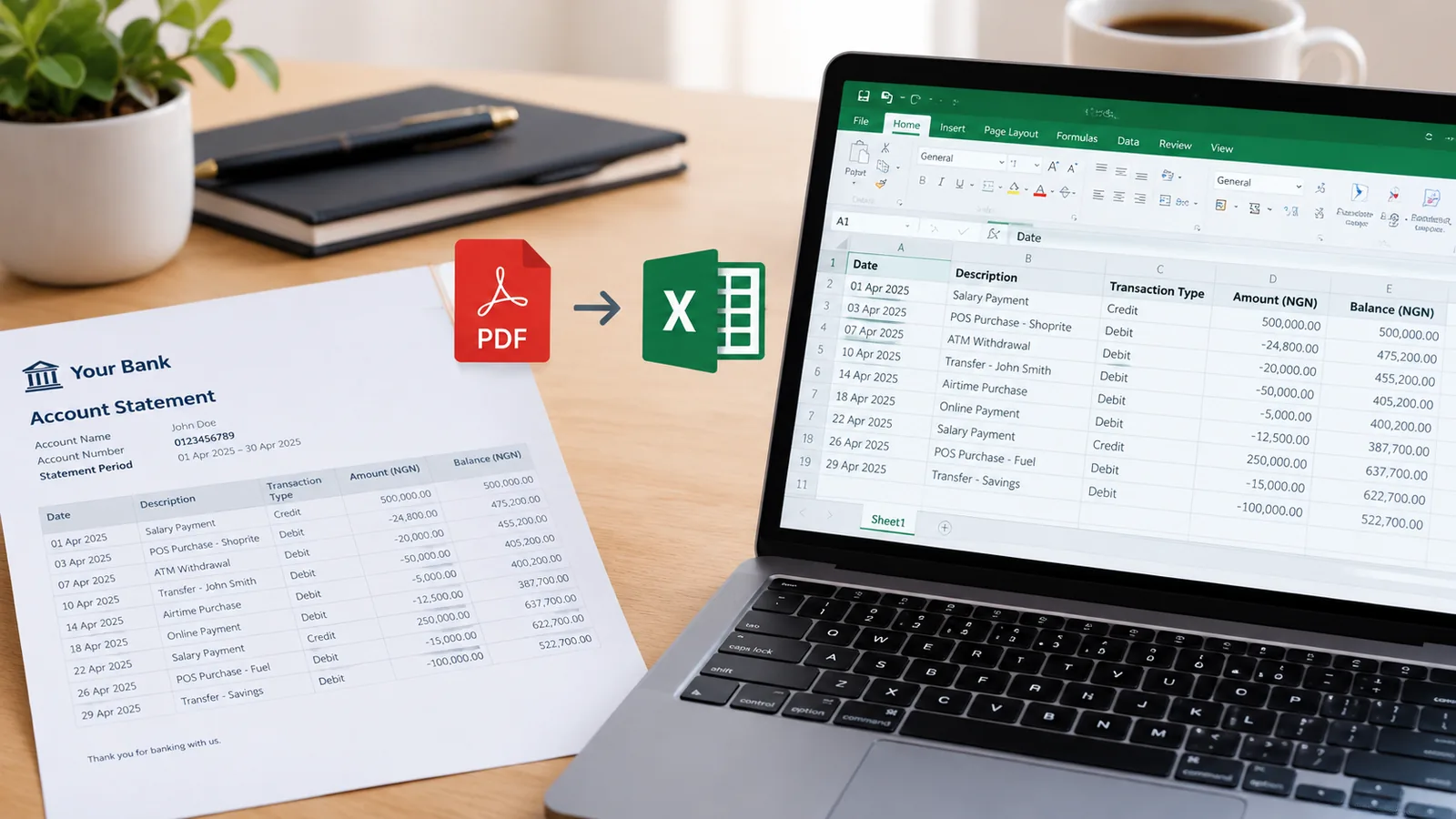
Tables out of PDFs and photos, checked and ready for Excel

Drop in a PDF, a scanned page or a photo taken on your phone. Every table in it comes back as a clean spreadsheet with real numbers and dates, and wherever the document prints a total or a balance, the figures are checked against it before you rely on them.

Drop a PDF here

Statements, invoices, price lists, any table. Scans and photos too. No account needed to start.

Open the toolHow it works

Questions people ask

What kinds of documents does it read?

Any page with a table that has a row of headings: bank statements, invoices, receipts, quotes, price lists, payslips, stock lists, results sheets. Tables drawn with lines are found even when they have no figures in them.

How does it check the figures?

With whatever the document gives it. A bank statement has a running balance, so every row is checked against it. An invoice or receipt prints a subtotal and total, and often a quantity and price on each line, so those are checked too, allowing for VAT, discounts and delivery.

Can it read a photo or a scan?

Yes, printed text. Lay the page flat in good light and fill the picture with it. Figures read from a picture can be wrong, which is exactly what the checks catch. Handwriting is not read reliably.

Does it work with bank statements?

Yes. Statements are recognised from their columns, from any bank, including password-protected ones. Each row is checked against the balance, and the result can go straight into Budget planner.

Is it free?

Yes, for 10 pages a month with CSV downloads. Paid plans add hundreds or thousands of pages, Excel files, and keep your tables for a month.