How to set up online booking for your small business
How salons, clinics, tutors, consultants and other appointment businesses can let customers book themselves, and the settings that cut no-shows without putting people off.

Edema Ukabi, ToolkitDeck Team
· 5 min read
Key points
- One booking link replaces the back-and-forth messages that eat your day.
- Only show times you can really keep: your hours, breaks and the gap you need between appointments.
- Reminders are the simplest way to cut no-shows. Research on appointment reminders finds they reduce missed appointments by around a third.
- Let customers move their own booking. Someone who can reschedule in two taps rarely just doesn't turn up.
- Ask for a deposit only where a no-show really costs you.
- Keep walk-ins and phone bookings in the same diary so you never double-book.
If you take appointments, you will likely get everyday messages like "Are you free Thursday?", "What about 3pm?" and "Sorry, can we make it Friday?". Each one is small. Together they cost hours, and they arrive while you are trying to do the work you are paid for.
Then there are the no-shows: the slot you held, turned other people away for and earned nothing from.
Online booking deals with both. Customers see when you are free, pick a time and get a confirmation, and reminders bring most of them back on the day. Here is how to set it up so it works for you.
What is online booking, and who is it for?
Online booking is a page, reached from one link, where customers choose a service and a time that suits them from the slots you are actually free. It suits any business that sells time:
hair and beauty salons, barbers and nail studios
clinics, physiotherapists, dentists and therapists
tutors, coaches and trainers
consultants, lawyers and accountants
photographers, mechanics and repair shops
What should you set up before sharing your link?
The point of booking online is that customers can trust what they see. Get these right first:
Your services, each with how long it takes and its price.
Your opening hours, including days you are closed.
Breaks, such as lunch.
The gap you need after each appointment to clean up, write notes or travel.
How much notice you need. If you can't take a booking an hour from now, say so.
How far ahead people can book, such as up to eight weeks.
Once that is right, the page only ever offers times that work. Two people can't take the same slot, and you never have to apologise for a time you can't honour.
How do you make booking quick?
Every extra question on a booking page loses customers. For most businesses you need only three things: the service, the time and the customer's name and contact details. Anything else can wait for the appointment itself.
Then put your link wherever people already look for you:
your Instagram, TikTok or Facebook bio
your WhatsApp Business profile and automatic greeting
your Google Business listing
your website, as a "Book now" button
the bottom of your emails and invoices
Do reminders really reduce no-shows?
Yes. Most missed appointments aren't rude, they are forgotten. A systematic review of telephone and SMS reminders for hospital appointments found they cut non-attendance by about a third on average. Your customers aren't hospital patients, but the reason people miss appointments is much the same.
A good pattern is:
a confirmation straight after booking, with the date, time, address and how to change it
a reminder the day before
a short reminder a couple of hours before
Should customers be able to reschedule themselves?
It feels like giving away control, but it does the opposite. When moving an appointment means sending you a message and waiting for a reply, people put it off, and then they don't come. When they can move it themselves, within the notice you set, they do it early and you see the free slot straight away.
Set a sensible cut-off, such as no changes in the last 12 or 24 hours, so a last-minute cancellation still has a cost.
When should you take a deposit?
A deposit makes people commit, but it also puts some people off booking at all. Use it where a no-show really hurts:
long appointments that block most of a day
services where you buy materials in advance
your busiest times, when an empty slot is hardest to fill
new customers you haven't met yet
For quick, low-cost services, a good reminder is usually enough. Say clearly what happens to a deposit if someone cancels in time, if they cancel late and if they don't come.
How do you handle walk-ins and phone bookings?
Add them to the same diary as your online bookings, at the time you agreed. That way your booking page never offers a slot you have already given away on the phone, and your whole day is in one place.
A simple no-show policy you can copy
Please give us at least 24 hours' notice if you need to change or cancel. You can move your booking yourself from the link in your confirmation. Deposits are refunded for changes made in time, and kept for late cancellations and missed appointments.
Put it on your booking page and in your confirmation message. It is fair, it is clear, and it makes reminders feel normal.
Common questions
Will customers actually book online?
Most will, especially younger customers and anyone booking outside your working hours. Keep taking phone and WhatsApp bookings as well, and add them to the same diary, so nobody is turned away.
What if two people try to book the same time?
A proper booking system holds the slot for the first person who confirms. The second person sees that it is taken and picks another time.
Can customers choose a specific staff member?
They can, if your team is set up with each person's services and working hours. Customers pick someone, or anyone available.
What time zone do bookings use?
Yours. Set it once and customers see your times, with the time zone shown, wherever they book from.
Should I confirm each booking myself?
Only if you need to, for example if some requests aren't suitable. Otherwise, instant confirmation is better for customers and saves you work.
Start taking bookings
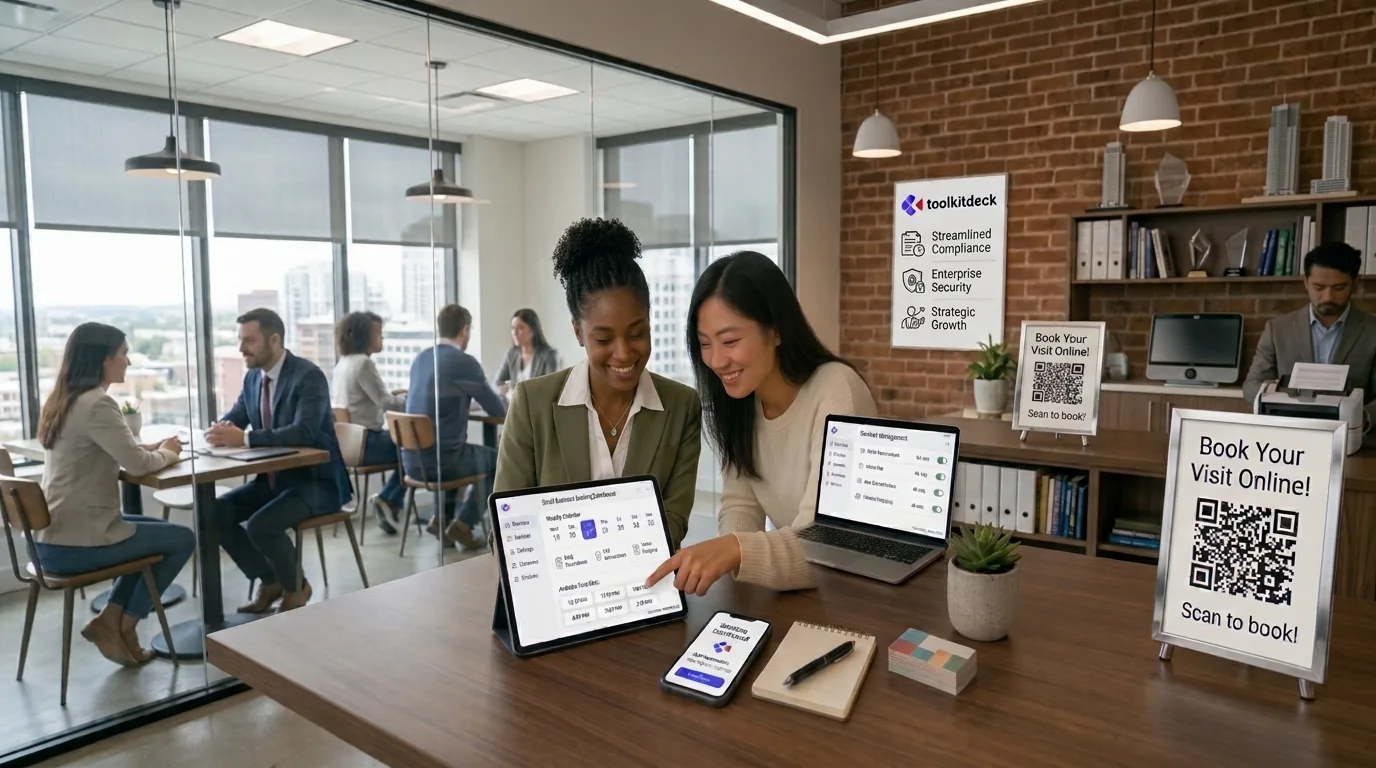
ToolkitDeck's online booking page shows only your real free times, takes a booking in three taps and lets customers move or cancel within your notice. You can list your team and add walk-ins and phone bookings to the same agenda. On paid plans, customers get reminders the day before and two hours before. If you take a deposit, customers see your own bank details and the money goes straight to you.
Running an event rather than appointments? Forms work well for registrations: see how to build a form people actually finish.