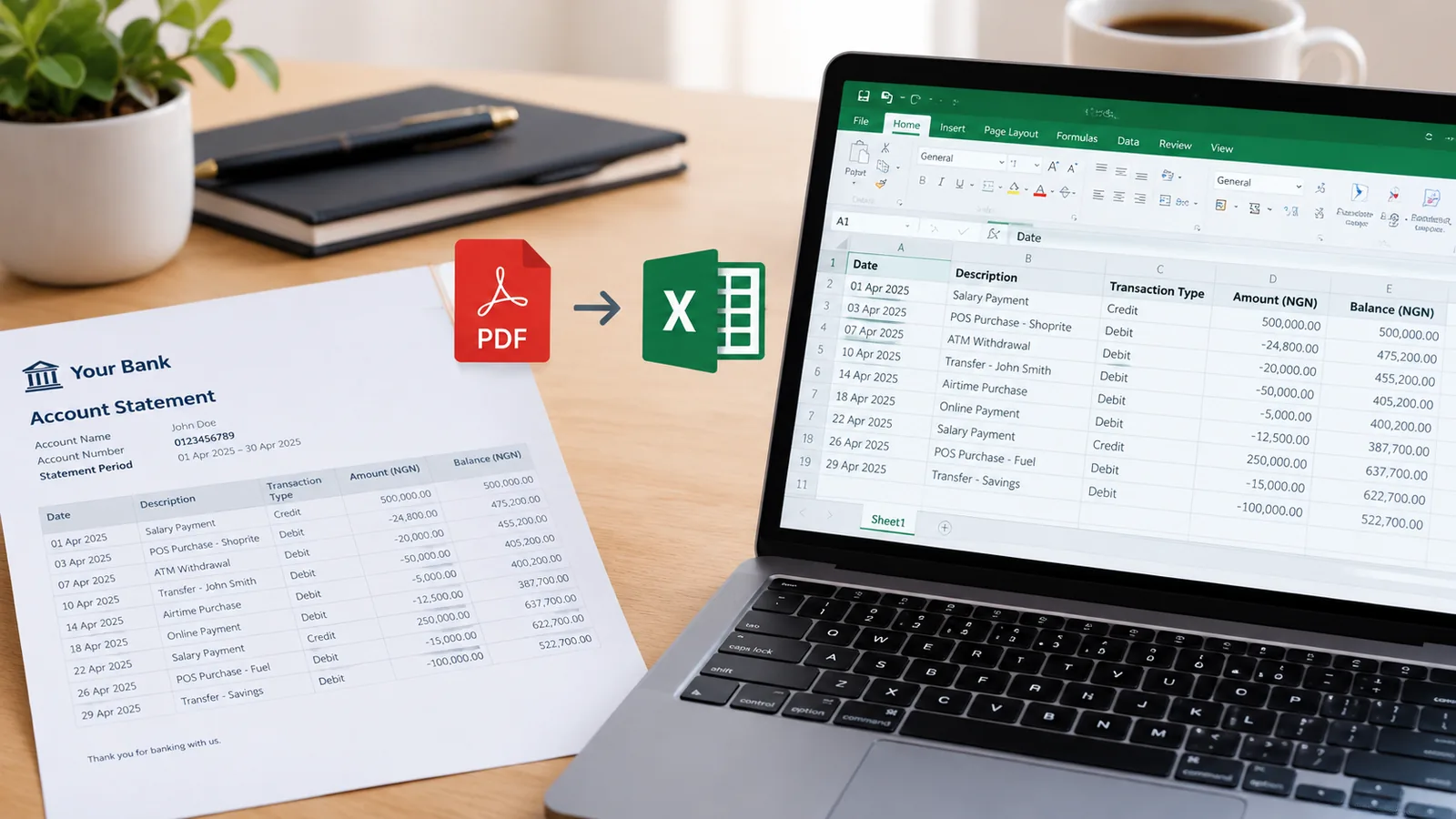
FirstBank statement to Excel, with every row checked

FirstBank's LIT app sends your statement to your email or lets you download it as a PDF. Drop that PDF here and get a table you can sort, filter and total, with each row checked against the running balance.

Drop your FirstBank statement here

The PDF, a scan or a photo of a printed one. Locked files work. No account needed to start.

Open the toolHow it works

Getting your FirstBank statement

  1. In the LIT app, request a statement for the dates you need and have it sent to your email, or download it as a PDF. It can go as far back as you need.
  2. In FirstMobile, statement view shows recent transactions on screen.
  3. Fibani, FirstBank's chat assistant, also takes statement requests.

Watch for fake statement emails

FirstBank says it never asks for personal or security details by email or phone. A statement email that asks you to confirm your details is not from the bank.

Questions people ask

My statement is many pages. Will it all fit?

Free covers 10 pages a month. A longer statement needs a paid plan, which covers hundreds or thousands of pages.

Does it keep the transaction details?

Yes. Each line's details stay in the description column, so you can search for a name or a reference.

Can I use it for a loan or visa file?

Use it to read and check the statement. Hand in the PDF the bank gave you; the spreadsheet is your working copy.

Is it free?

Yes, for 10 pages a month, downloaded as CSV, which opens in Excel and Google Sheets. Paid plans add Excel files and hundreds or thousands of pages.