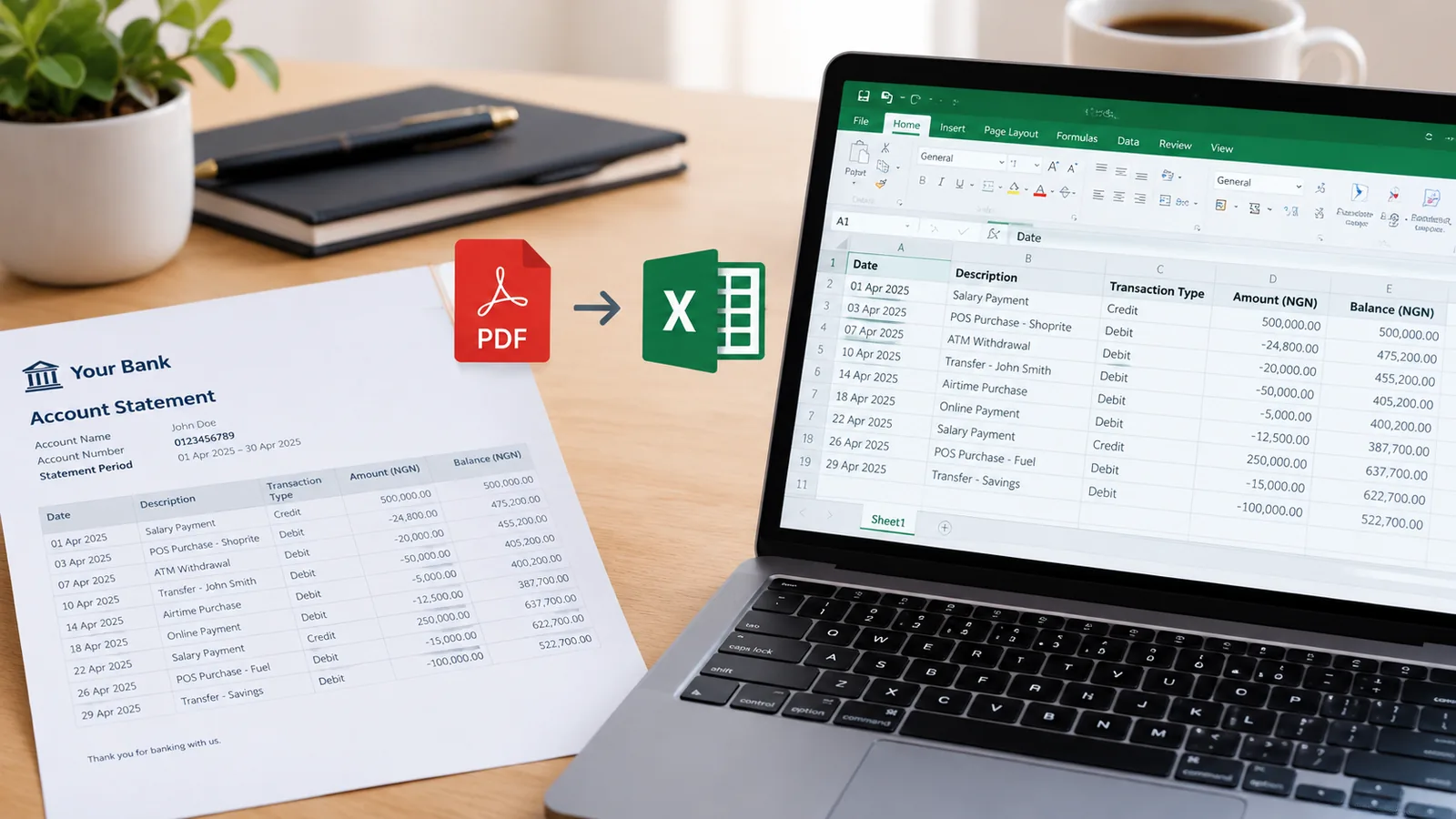
Kuda statement PDF to Excel, with every row checked

Kuda can email your own statement as Excel, so if it is yours and you can still request it, choose Excel in the app. This is for everyone else: the PDF a client, tenant or applicant sent you, or a signed statement, turned into a table you can check.

Drop your Kuda statement here

The PDF, a scan or a photo of a printed one. Locked files work. No account needed to start.

Open the toolHow it works

Getting a Kuda statement

  1. In the Kuda app, tap your profile picture at the top left, then Statements & Reports.
  2. Set the dates and choose PDF or Excel, then tap Get. It goes to the email on the account.
  3. For a signed statement, choose the Spend Account, Saving Pockets or both, and add another email if it should also go to someone else.

When the PDF is all you have

A signed statement or one sent to you by someone else usually arrives as a PDF. That is where this comes in: the same table you would get from Excel, plus a check that every balance follows from the row before.

Questions people ask

Should I just ask Kuda for Excel?

If it is your account, yes: Kuda offers Excel in the app. Use this when you only have the PDF.

Does a signed statement convert?

Yes. The transactions are read into the table. On a scanned copy, a stamp over a figure can blur it; the balance check shows any row that came out wrong.

Are recent transactions missing?

A statement only holds what had settled when Kuda made it. Pending transactions can be missing; request a fresh one later.

Is it free?

Yes, for 10 pages a month, downloaded as CSV, which opens in Excel and Google Sheets. Paid plans add Excel files and hundreds or thousands of pages.