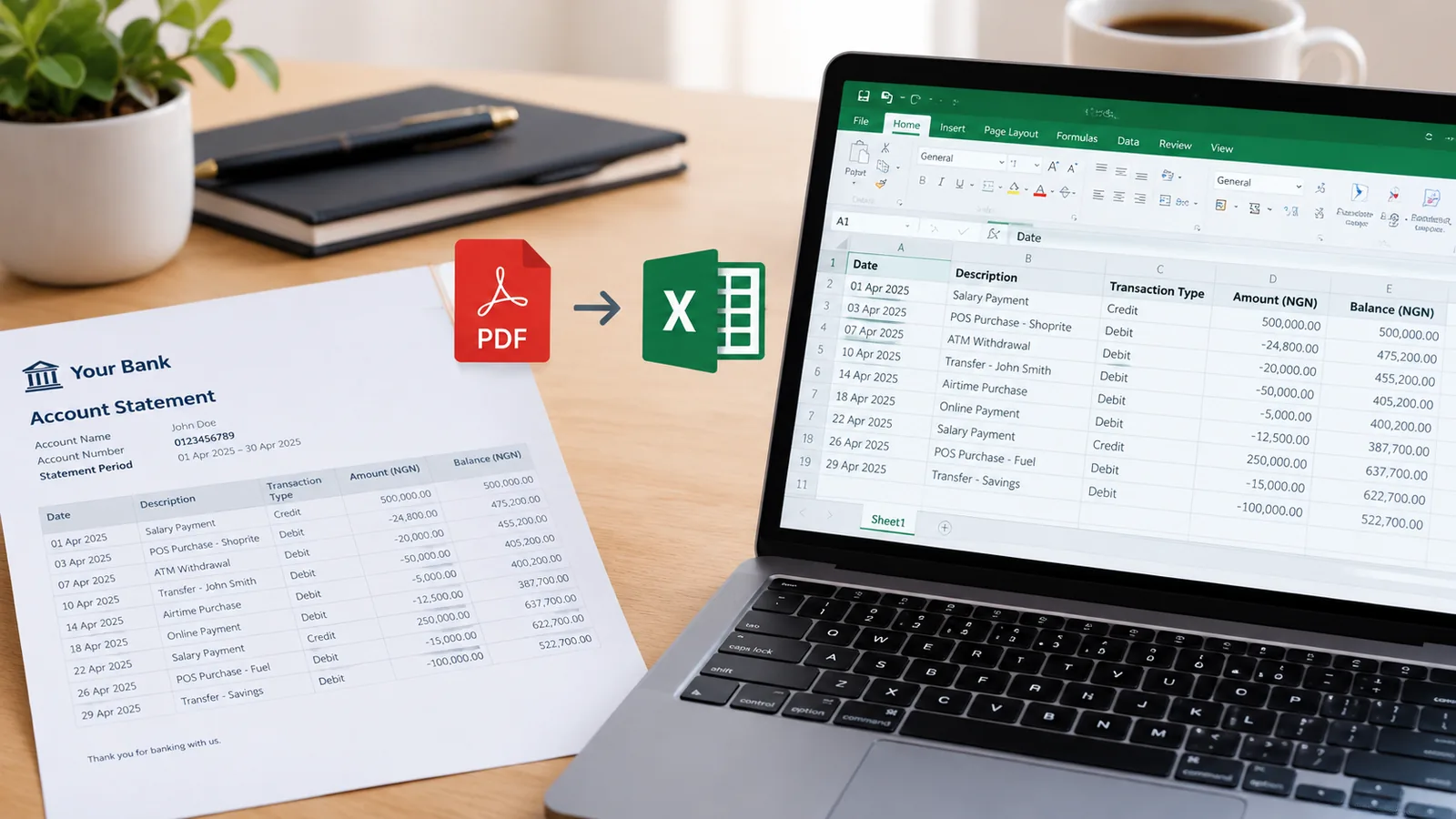
GTBank statement to Excel, with every row checked

GTBank sends statements as PDFs to the email on your account. Drop the PDF here and get a clean table of dates, narrations, money in, money out and balance, checked row by row before you rely on the totals.

Drop your GTBank statement here

The PDF, a scan or a photo of a printed one. Locked files work. No account needed to start.

Open the toolHow it works

Getting your GTBank statement

GTBank sends a statement to the email address on your account, for up to the last six months at a time. Any of these ways works:

  1. In the GTWorld app, open Account Details, choose the dates and send it.
  2. Email [email protected] from the email address on your account, with the start date, end date and account number.
  3. Ask at any GTBank branch for a copy.

Need more than six months?

Request each six-month period separately and convert each statement. Every table comes out with the same columns, so they stack one under the other in a spreadsheet.

Questions people ask

Why did GTAssistant not reply?

It only answers emails sent from the address registered on your account. Send the request from that address.

Does it read the narration on each line?

Yes. The description column keeps the full narration, so transfers, POS payments and charges can be told apart and searched.

Can I convert a stamped statement for a visa or loan?

Yes, to read and check it. The stamped PDF from the bank is still the copy to hand in; the spreadsheet is for you.

Is it free?

Yes, for 10 pages a month, downloaded as CSV, which opens in Excel and Google Sheets. Paid plans add Excel files and hundreds or thousands of pages.