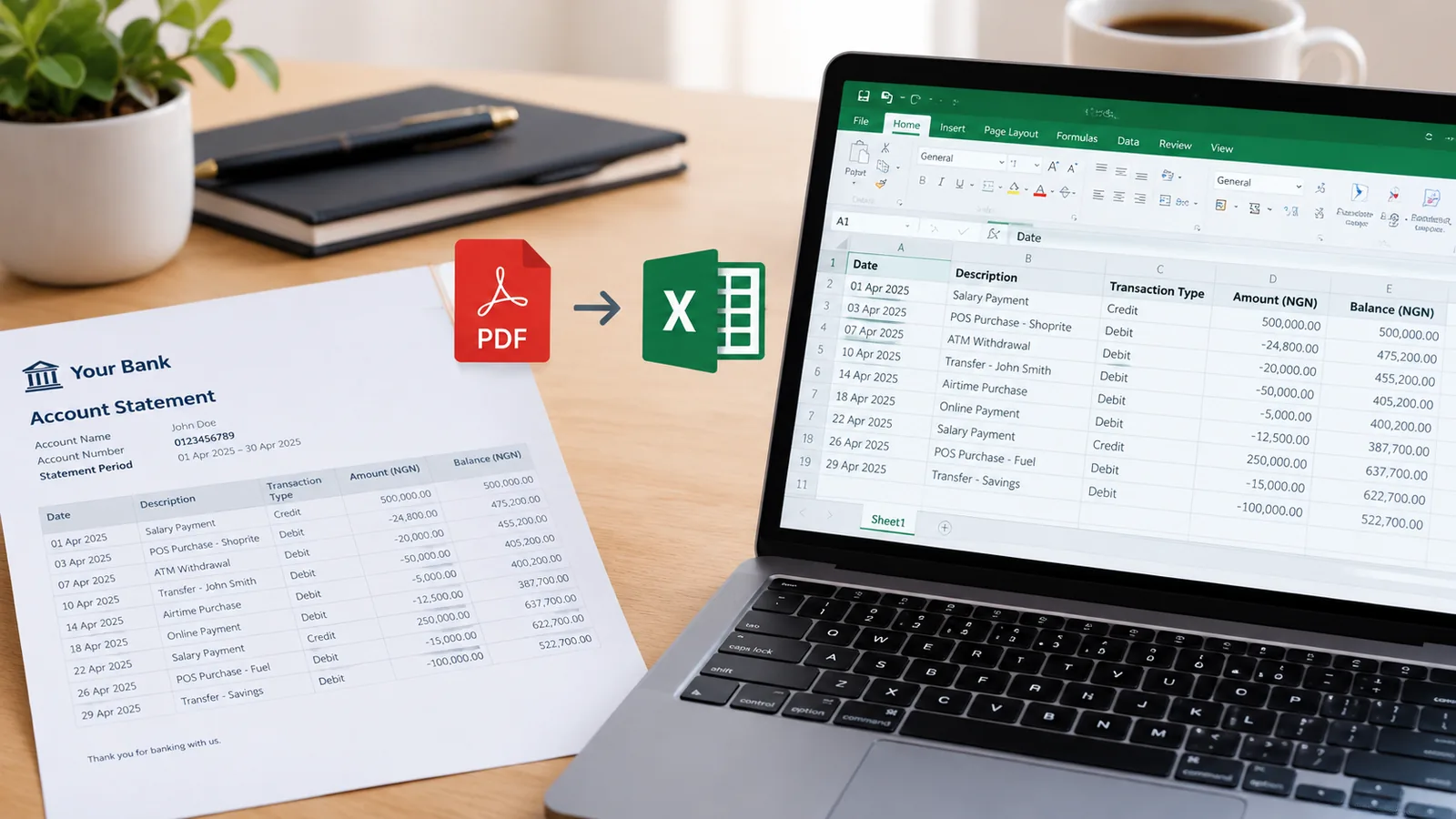
UBA statement to Excel, with every row checked

Download your statement from UBA's app or internet banking, drop it here, and get a clean table of dates, descriptions, money in, money out and balance, checked row by row against the running balance.

Drop your UBA statement here

The PDF, a scan or a photo of a printed one. Locked files work. No account needed to start.

Open the toolHow it works

Getting your UBA statement

  1. UBA Mobile: sign in, go to More, then Products & Services, then Request Bank Statement, and send it to your email.
  2. Internet banking: open My Bank Statement, choose dates within one year, and download.
  3. Leo on WhatsApp or Messenger: send ACCOUNT STATEMENT and follow the prompts, once you have enrolled.

Statements sent to an embassy or another bank

UBA can send your statement straight to an embassy or a financial institution, and charges for that by page. Convert your own copy here to check it before it goes.

Questions people ask

Can I convert a year at once?

Yes. UBA's internet banking gives up to a year in one statement, and one file of up to 300 pages converts in one go. Free covers 10 pages a month; paid plans cover far more.

Does it work with a statement from Leo?

Yes. Whichever way UBA sends it, the PDF is read the same way.

Can I check whether my statement adds up?

That is what the balance check is for. Every row is worked out from the one before; a row that does not add up is shown so you can look at it.

Is it free?

Yes, for 10 pages a month, downloaded as CSV, which opens in Excel and Google Sheets. Paid plans add Excel files and hundreds or thousands of pages.