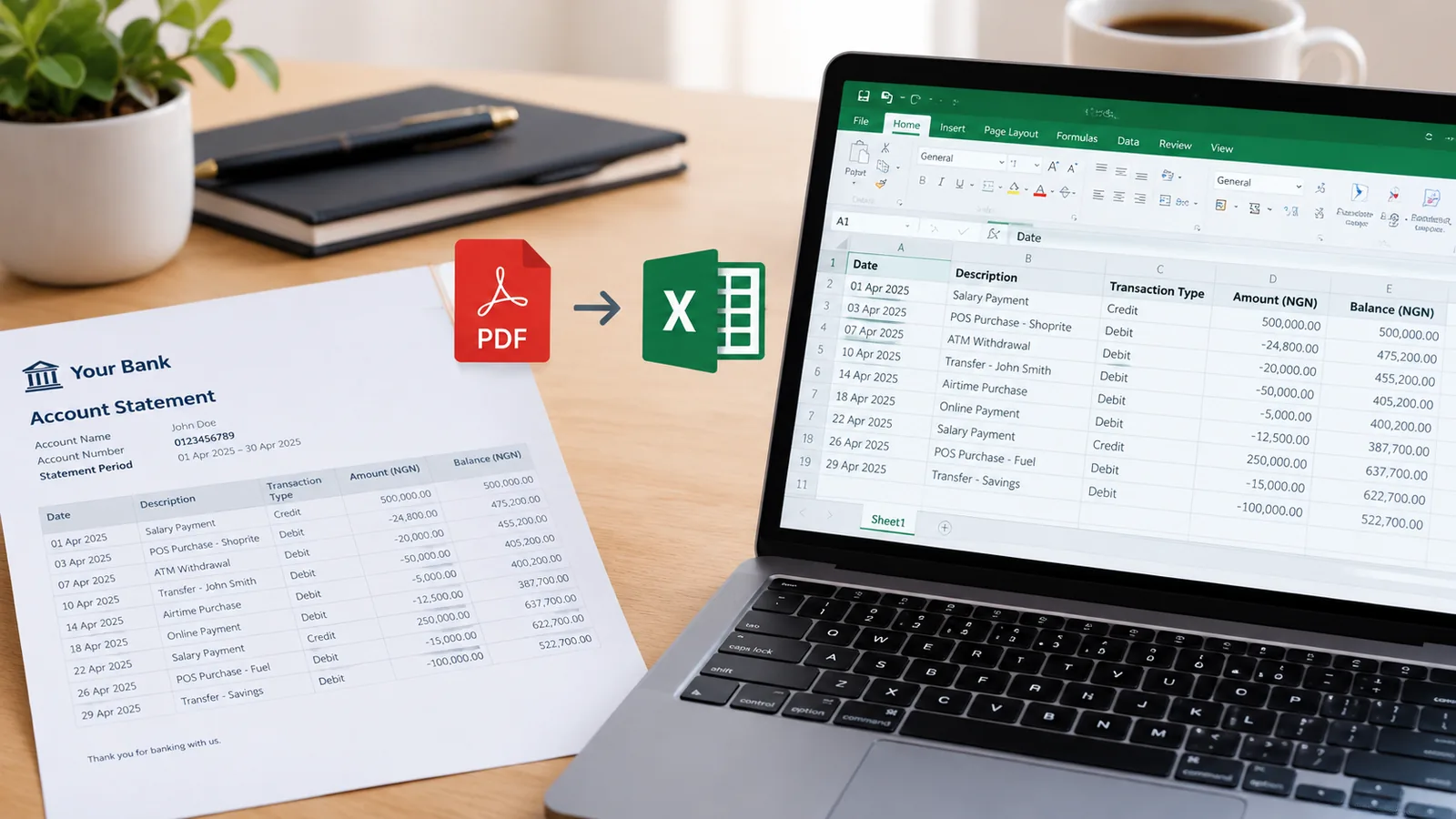
Moniepoint statement PDF to Excel, with every row checked

Moniepoint can export your own statement as Excel or CSV, so if it is yours, pick one of those in the app. This is for the PDF you were sent or kept, stamped or not: a clean table of every transaction, checked against the running balance.

Drop your Moniepoint statement here

The PDF, a scan or a photo of a printed one. Locked files work. No account needed to start.

Open the toolHow it works

Getting a Moniepoint statement

  1. In the personal app, tap See more on your recent transactions, then the download icon at the top right.
  2. Choose the email it goes to, the dates, and PDF, Excel or CSV.
  3. Choose a stamped or a non-stamped statement, and send it.

When the PDF is all you have

A stamped statement, or one an applicant or client sent you, is a PDF. Convert it here to work with the figures, and keep the original as the copy you hand in.

Questions people ask

Should I just export Excel from Moniepoint?

If it is your account, yes: the app offers Excel and CSV. Use this when the PDF is what you have.

Does a stamped statement convert?

Yes. The transactions are read into the table. On a scanned copy, a stamp over a figure can blur it; the balance check shows any row that came out wrong.

My business statement is long. Will it fit?

Free covers 10 pages a month. Paid plans cover hundreds or thousands of pages.

Is it free?

Yes, for 10 pages a month, downloaded as CSV, which opens in Excel and Google Sheets. Paid plans add Excel files and hundreds or thousands of pages.